
Google Gemini Not Available in Your Region? Fix It in 3 Steps (2026 Guide)
1. Don't Let an Access Restriction Block Your Path to the Future
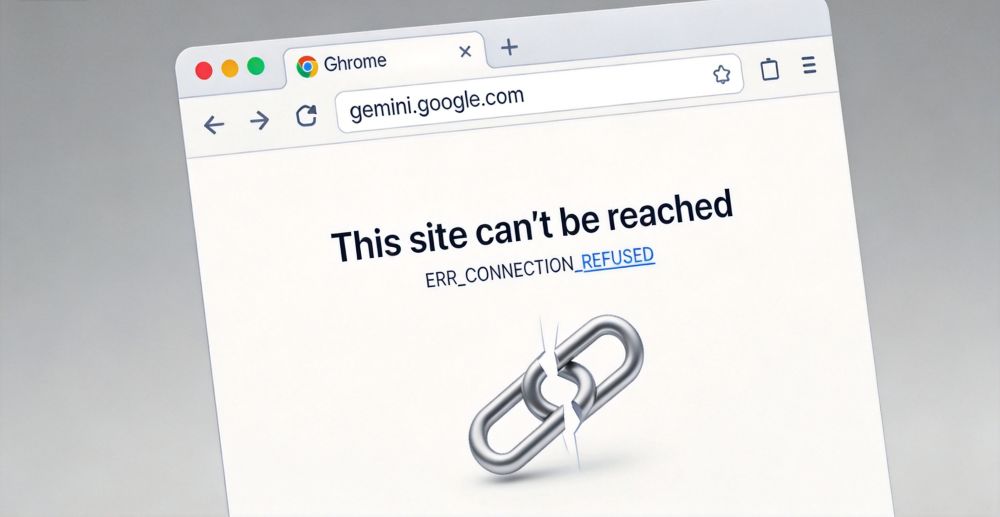
I know that feeling all too well. You fire up your computer, eager to let Google Gemini handle that complex project or experience the sheer intelligence of the Ultra 1.5 model, only to be met with a cold, gray message: "Gemini is not currently supported in your country." In that moment, you don't just feel blocked from a website; you feel excluded from the biggest party of the AI era. You might have tried free VPNs, only to end up in a loop of endless CAPTCHAs, sudden disconnections, or the constant fear that your legacy Google account will be banned due to suspicious IP hopping. It’s not your fault, and Google isn't personally targeting you—it’s just a clash between global regulations and technology. As a veteran in the cross-border tech scene, I’m going to show you the most stable, professional, and "human-like" way to solve this once and for all.
2. Why Are You Blocked? A Technical Deep Dive
Even in 2026, compliance and data privacy laws (like the EU's GDPR or various AI Safety Acts) keep Google Gemini restricted in certain regions. Google's system primarily uses your IP Address to determine your precise geographic location.
2.1 Why Standard VPNs Are Failing
Why does access fail even with a VPN?
- Heavy IP Pool Pollution: Most commercial VPNs use Datacenter IPs. These IP ranges are public knowledge. Google's AI risk management systems can spot a datacenter proxy instantly.
- Blacklist Association: A single datacenter IP might be shared by thousands of users. If just one person misbehaves, the entire range gets flagged by Google.
2.2 Residential Proxies: The Gold Standard of Cloaking
The only truly stable solution is using InstaIP Residential Proxies. The underlying principle is simple: you are "borrowing" an IP from a real household broadband user in a supported country (like the US or UK). To Google’s servers, you appear as a regular resident in Los Angeles, sipping coffee and browsing on a home Wi-Fi connection. This identity consistency is the key to bypassing restrictions.
3. Why InstaIP is the Choice for AI Professionals
Compared to free tools that vanish overnight, the stability of InstaIP when accessing Gemini, ChatGPT, or Claude is a game-changer for heavy AI users:
- High Purity (ISP-Grade): These aren't cheap broadcast IPs. These are real ISP residential IPs. You’ll rarely see the "Prove you're not a robot" image challenges.
- Low Latency & Backbone Acceleration: Many fear proxies are slow, but InstaIP optimizes global backbone networks. When you ask a question, the text streams out smoothly without that frustrating lag.
- Universal Compatibility: Whether you’re using Clash for system-wide proxying or configuring it in an anti-detect browser, InstaIP supports both Socks5 and HTTP protocols.
4. Step-by-Step Tutorial: Unlock Google Gemini with InstaIP
Following the InstaIP Help Center official workflow, here is the most stable configuration path:
Step 1: Obtain Your "Digital Passport"
- Log in to the InstaIP Official Website and create an account.
- Go to the [User Dashboard], select [Get Proxy] -> [Residential Proxy].
- Critical Setting: Choose "United States" or "United Kingdom," as these regions usually receive the fastest Gemini feature updates.
- Generate and copy your Proxy Host, Port, Username, and Password.
Step 2: Create a Seamless Connection Environment
- Protocol Advice: Select Socks5. It is more stable than HTTP and offers better data stealth.
- Input Parameters: Enter the credentials into your proxy software or browser extension.
- Environment Check: Before visiting Google, go to
ipinfo.io. If the city matches your target (e.g., New York) and no proxy is detected, your camouflage is perfect.
Step 3: Start Your Immersive Gemini Experience
- Clear Your Tracks: This is vital! Clear your browser Cookies or open an Incognito/Private window.
- Visit the URL: https://gemini.google.com.
- Success: The annoying error message is gone. The deep, interactive Gemini interface is yours to explore.
5. Pro Tips: How to Keep Your AI Account Safe
To protect your valuable accounts, InstaIP experts recommend these three golden rules:
- Maintain IP Consistency: Don't hop between countries. If you need consistent AI access, we strongly recommend purchasing an InstaIP Static Residential IP. It gives you a fixed US residential address for months—the safest signal for Google's security systems.
- Anti-Detect Browsers are Key: Combine InstaIP with browsers like AdsPower or HubStudio. It isolates your hardware fingerprints. IP + Anti-detect Browser = 100% Real User Simulation.
- Avoid Public "Dirty" Networks: Never log in to important AI accounts using public free nodes. They are high-risk zones for account banning.
6. Closing Thoughts: Technology is for Freedom
At the end of the day, we aren't just looking for a working webpage; we are looking for the right to not be left behind in this era of technological explosion. I’ve always believed that AI should have no borders. No matter where you are, if you want to learn, the technology should serve you. InstaIP is more than a tool to me; it’s a passport to explore the world freely.
Stop wasting time with low-quality VPNs. Arm yourself with professional gear. Ask questions, experiment, and let AI become an extension of your mind. If you haven't started yet, grab a free traffic package and try it out. Trust me, the world is closer than you think.
Click here to get your InstaIP traffic package and start chatting with Gemini now!